
One dashboard for all your operational needs
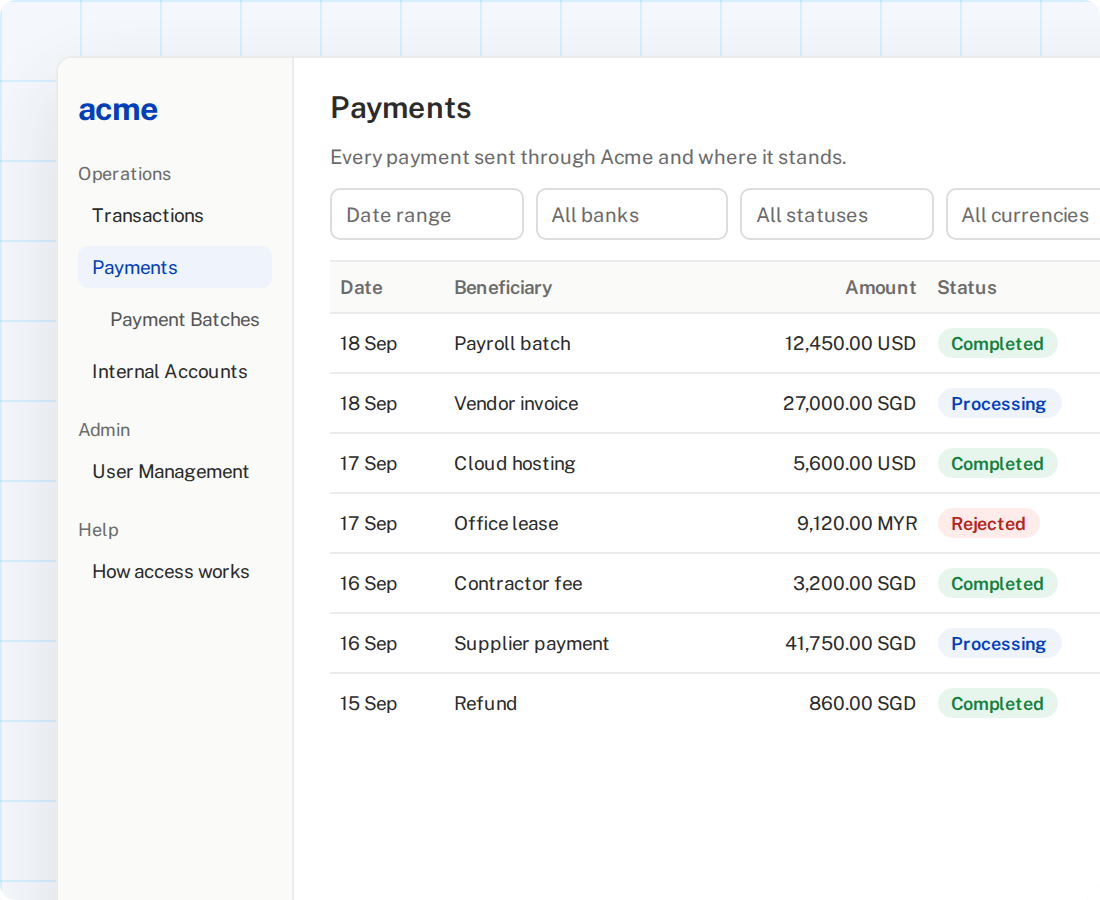
Acme Dashboard gives bank and payment operations teams one place to access transactions, payments and balances across the bank accounts they connect through Acme, with the full bank message trail behind each one.
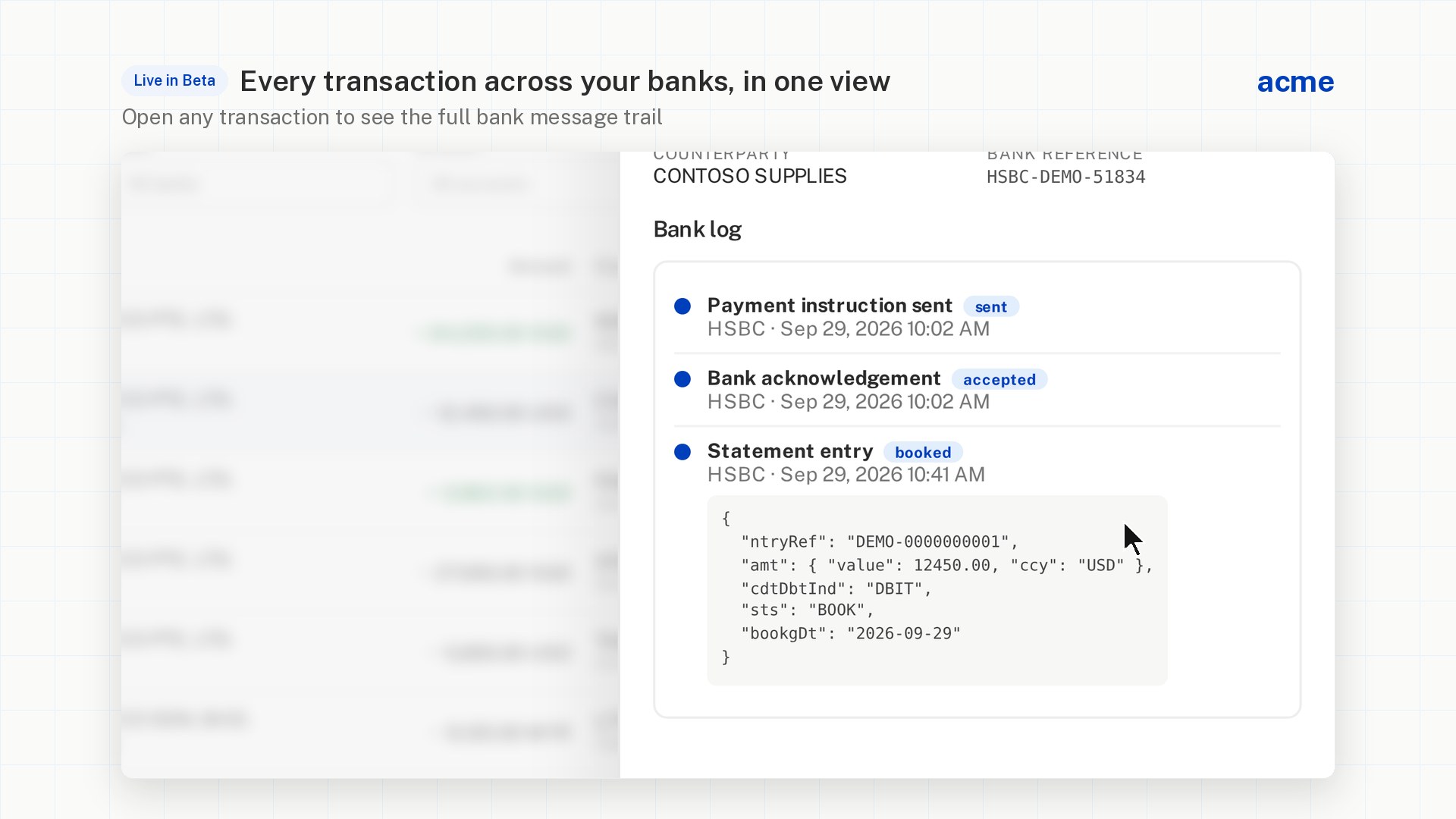
Transactions with the bank message trail, payments with approvals, and upcoming metrics. Sample data.
Track your transaction statuses without the bank portals hopping
Too many bank portals to manage
Finding one transaction means logging in to each bank, in each market, one at a time.
“Where is this payment?”
Answering a status question shouldn't need an engineer to dig through API logs.
No single view of balances
Cash sits across banks and currencies, with no one place to see it together.
Built for the people who run bank and payment operations

Transactions

Payments & batches

Balances & accounts

Full bank message trail

API Management

User management
Access you control
Audit Logging
Up and running with one invite

Your admin gets an invite

Add your team

Work from one view
Frequently asked questions
Can I create payments in the Dashboard?
Yes. Create payments directly from the dashboard and define your own maker-checker approval matrix for your internal team.
Who can see our data?
Only people your administrator invites, with the access they are given.
Which accounts will I see?
The bank accounts your company has connected through Acme, across markets, in one view.